

Secure entry systems in Austin range from a single keypad to cloud-managed credentials serving hundreds of residents. The right one depends less on the technology than on two questions: how many people need through, and how often that list changes.
This page compares every option we fit, so you can narrow it down before anyone quotes you. If you’d rather talk it through, start with a conversation or call (512) 236-5178.
The two questions that decide everything

Before hardware, before budget, before brand, there are two numbers worth writing down.
The first is how many people need regular access. A household is usually two to six. A shared drive might be three or four families. An apartment complex or business park can run to several hundred.
The second is how often that list changes. A family home might not change for a decade, while a rental property turns over every few days and needs access withdrawn just as often as it’s granted. An apartment complex loses and gains residents every month.
Those two numbers sort almost every property into the right category first. A small list that rarely changes wants something simple. A large list that changes constantly wants something that can issue and withdraw access without anyone standing at the gate. Most of the expensive mistakes we see come from getting that match wrong, one way or the other.
Keypads
A keypad is the baseline, and for a lot of properties it’s the right answer.
You enter a code, and the gate opens. There’s nothing to lose, nothing to charge, and nothing that stops working when somebody’s phone does. Most keypads hold a handful of codes so that a household can give the family one code, the cleaner another, and the regular delivery driver a third.
The weakness is that a code is only as secure as the discipline of the people who know it. Codes get shared, written down, and passed on. Changing one means telling everybody who still needs it. That’s manageable for a family and unworkable for a large site.
Transmitters and remotes
A handheld remote or a transmitter clipped to a car visor is the most convenient option for the people who use the gate daily. Press it on your approach, and the gate opens by the time you arrive.
Remotes suit households and small shared drives, where the same handful of people come and go. They don’t suit anywhere with turnover, because a lost remote is an open door until somebody reprograms the receiver. Comparing keypads against phone-based entry goes further into the household decision.
Phone and app control
Opening a gate from a phone has become the default expectation for many owners, and it’s genuinely useful. There’s nothing to hand over or lose; you can grant a visitor access remotely, and on most systems you can see when the gate was last opened.
The catch is that it depends on the phone, the signal, and the app all working at once. For that reason, it usually sits alongside a keypad or remote rather than replacing them. A visitor, a delivery driver, or a household member whose battery has died still needs another way in.
Card readers and fobs
Once your user list gets large or changes often, individual credentials become worth the cost.
Each person gets their own card or fob. When somebody leaves, you cancel that one credential and nobody else is affected. Most systems also record which credential was used and when, which matters on sites where an access record has value. On larger properties, those systems are defined by how often the list turns over, not how long it is.
The practical difference from a keypad is who does the work. With codes, everybody who still needs access has to be told when something changes. With cards, the administrator changes one record, and that’s it.
Cloud-managed access
Cloud-managed systems move the user list off the gate and onto a platform the owner or manager can access from anywhere.
That solves the hardest problem on a large or changing site: someone has to be physically present to change access. With a cloud system, a property manager can add a new resident, remove a departing one, or grant a contractor temporary access from an office across town. For multifamily properties and anything with frequent turnover, that single capability usually justifies the cost.
The trade-off is dependency. The system relies on the connection and on the platform staying available, so it’s worth knowing in advance what the gate does if either goes down.
Biometric readers
Fingerprint and face readers remove the credential entirely. Nothing to lose, share, or copy.
They make sense where knowing exactly who came through matters, and where users are a stable, known group. They make less sense for visitors and deliveries, who by definition aren’t enrolled, so a biometric reader almost always sits alongside another method rather than working alone.
Visitors and deliveries are a separate problem

Everything above is about the people who come through regularly. Visitors are a different job, and most properties need both solved.
Telephone entry and camera intercoms handle this. A visitor presses a button at the gate, somebody inside sees or hears them, and grants passage without walking down to the entrance. On a multi-unit property, this becomes a directory, where the visitor selects the resident they’re calling. How gate intercoms work covers the common setups.
The failure we see most often is a property that solved residents carefully and forgot visitors entirely. The result is a gate propped open for deliveries, which quietly cancels out everything else.
Getting a car out
Controlling entry is only half the system. Letting vehicles leave without anyone pressing anything is the other half.
That’s handled by sensing rather than credentials. A loop detector cut into the drive or an exit sensor notices a vehicle approaching from inside and opens the gate automatically. How vehicle sensing works explains the options. These components sit in the ground and in the weather, so they’re also a common source of intermittent faults.
Short-term rentals
Rental properties are the clearest case for moving past a single shared code.
A guest needs access for a few days, and then that access should end with a keypad that means changing the code between every stay and telling the next guest, which is error-prone and easy to forget. With a cloud-managed or app-based system, each booking can get its own access window that opens on arrival and closes on checkout without anybody touching the gate.
It’s one of the few situations where we’d push a smaller property toward the more capable system, because the turnover is so high relative to the number of people involved.
What happens when the power goes
Every access method depends on power at the gate, and it’s worth deciding in advance what the entrance does during an outage rather than finding out.
Battery backup covers a set number of cycles, not an indefinite period, and every device at the gate draws from that same reserve. Most owners never think about it until the first outage, which is the wrong time to find out.
What actually goes wrong with access systems
Most access control faults come down to wiring and water rather than the devices themselves, and that’s worth knowing before you choose hardware.
Readers and keypads sit outside, in the weather, at the end of a cable that runs underground. Conduit that wasn’t sealed lets water in. Connections that weren’t protected corrode. Loop wire gets cut later when someone lands on it with a spade. None of that is the reader’s fault, but it’s the reader that stops working, so it’s the reader that usually gets replaced first.
The other common failure is placement. A keypad mounted where a driver has to open the door to reach it gets bypassed, and an inconvenient gate ends up propped open. Height, reach from the driver’s seat, and the approach angle matter more than the device does. The same principle applies to the gate itself, which the mechanical side of gate failures covers.
Planning it before the drive is finished
The cheapest time to decide on access control is before the concrete goes down.
Conduit sized for the system you might want later costs very little to run during a build and a great deal to add afterward, once the drive is finished and landscaped. That means even a household starting with a simple keypad benefits from having the cable path in place for card readers or an intercom later. The same logic applies to the operator, since how operators work determines what the access hardware can talk to.
If you’re pricing it up, what moves an access quote explains why the access side of a quote moves so much between properties. And for a sense of how finished entrances look, recent installations show a range of setups.
Choosing, in practice
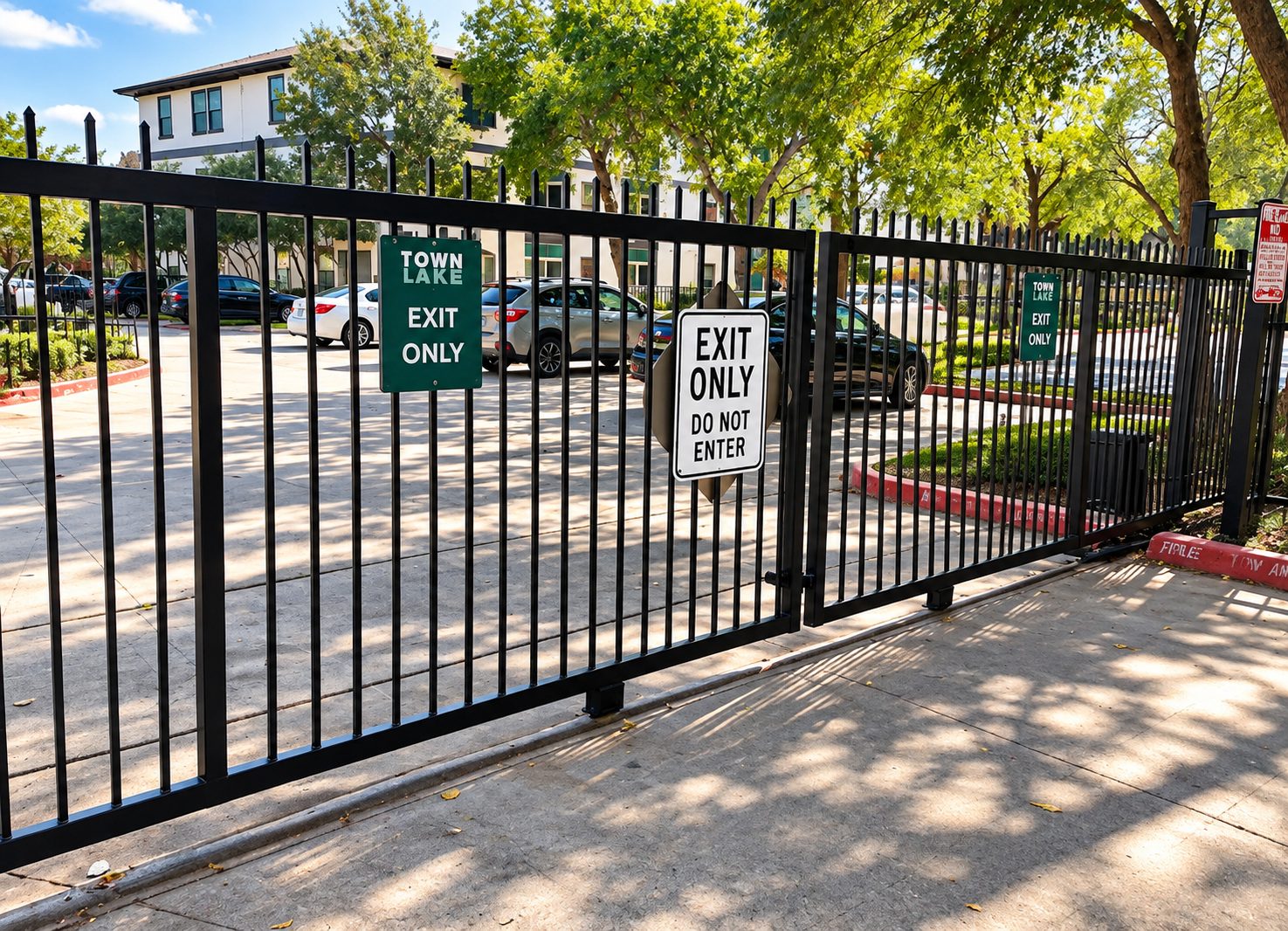
For most households, a keypad plus a couple of remotes, often with phone control alongside, covers everything, and a gate at a family home rarely needs more. For shared drives, individual codes or credentials per household. For rentals, time-limited access that expires automatically. For apartments and business parks, cloud-managed credentials with a visitor directory. For sites where knowing exactly who entered matters, biometric readers alongside visitor access.
Whatever the choice, it works best specified alongside the gate rather than added afterward, because conduit, power, and where a reader physically sits are all easier to plan before the drive is finished. Our access control service covers installation, and heavier commercial specification covers the heavier specifications larger sites need.
Ace Automated Gates | Austin works out of 1821 Heatherglen Ln, Austin, TX 78758. We’ve been fitting gates and access systems here since 2013; we’re fully insured, and the work carries a one-year craftsmanship warranty. Call (512) 236-5178 and tell us how many people need access.